
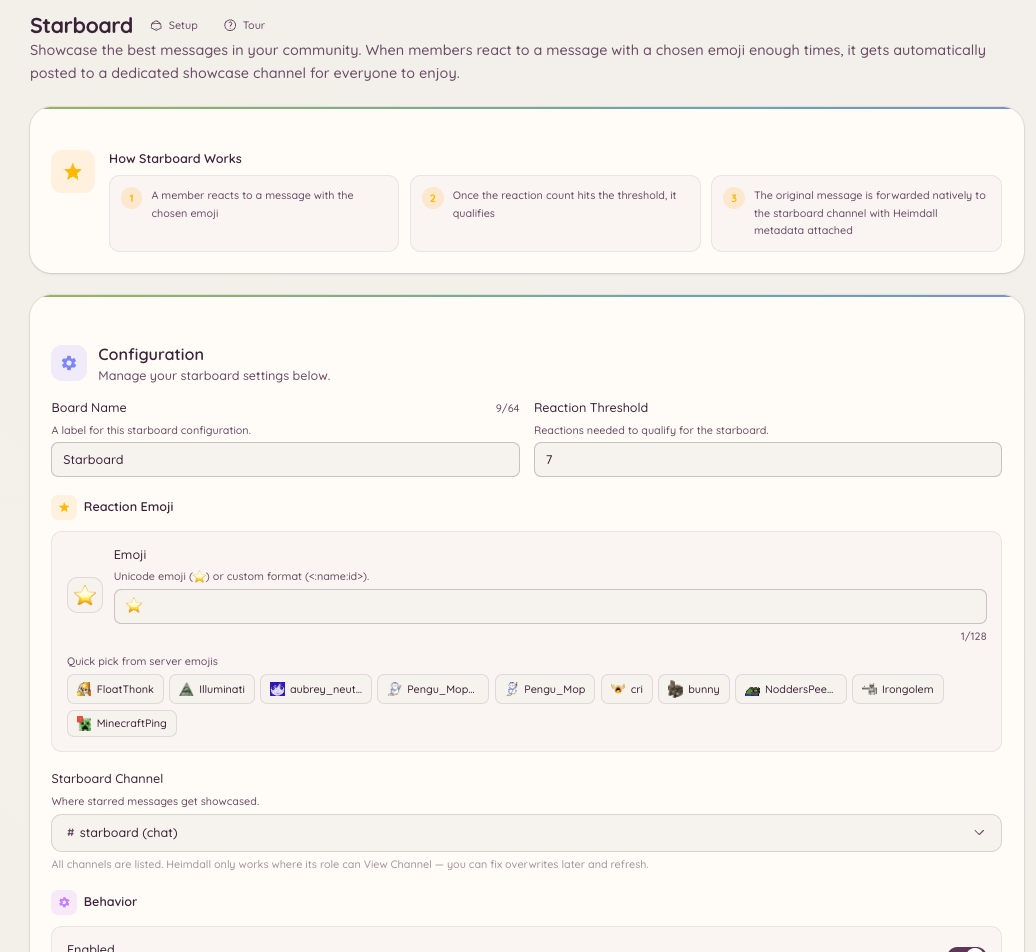
How it works
When a message receives a reaction count at or above your configured threshold, the bot copies it to the starboard channel. The reposted message shows the original author, the original channel, a link back to the original, and the current reaction count. If the reaction count drops below the threshold (because members remove their reactions), the bot either removes the starboard entry or keeps it based on your configuration.Setup
Navigate to in the dashboard and configure:Moderation queue
The starboard has an optional moderation queue. When enabled, messages are not posted to the starboard immediately upon reaching the threshold. Instead, they enter a pending queue on the page where staff can approve or reject them before they appear. Navigate to in the dashboard and enable Require moderation approval. Pending entries appear in the Moderation Queue on the same page. Staff with thestarboard.moderate permission can approve or reject pending entries. Approved entries are posted; rejected entries are discarded.