
Submitting a suggestion
Categories
Suggestions can be routed to different channels based on categories. Navigate to in the dashboard to create them. Each category has:
When multiple categories exist, the member is prompted to pick one when running
/suggest.
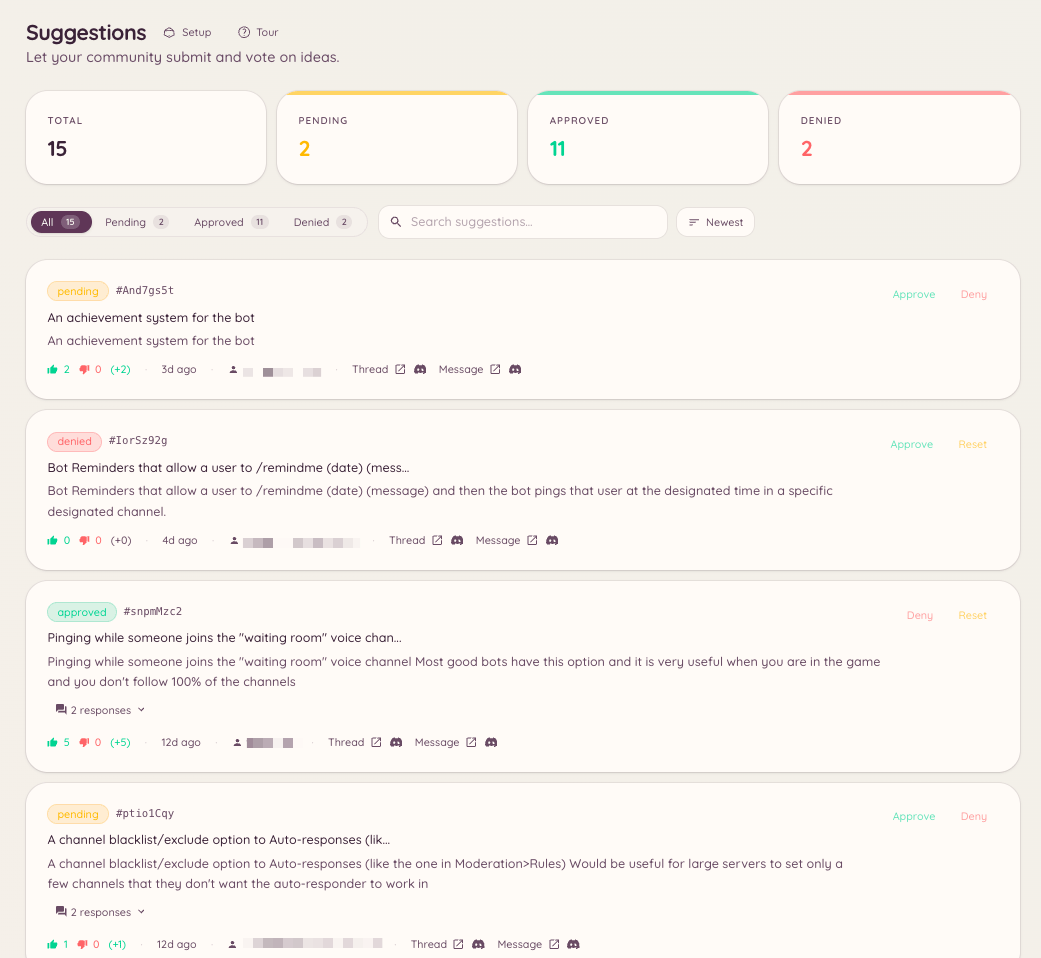
Managing suggestions
When a suggestion is actioned, the bot updates the original message to show the new status, keeping the voting results visible.
Dashboard configuration
Navigate to to configure:Openers
Openers are buttons posted in a channel that members click to submit a suggestion through a modal form, without needing to type the/suggest command. Navigate to and click New Opener. Configure the button label and optional prompt text, then click Post to place the opener panel in a channel.
Openers are useful for keeping the suggestion workflow visible in a dedicated suggestions channel, or for servers where slash commands are restricted.