
How applications work
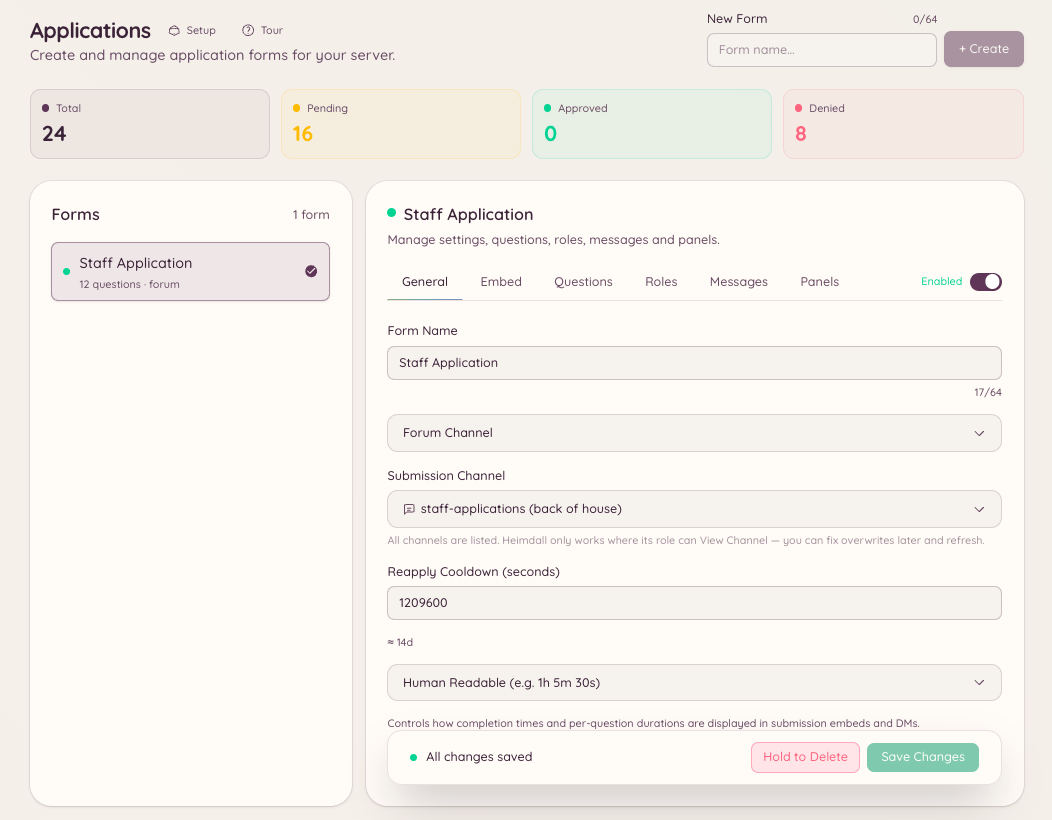
You create a form in in the dashboard with as many questions as needed. Members access the form by running/application and selecting the form they want to apply for. After submitting, their responses appear in for staff to review, approve, or decline. Members are notified of the decision by DM.
Creating a form
Navigate to in the dashboard and click New Form.Question types
Submitting an application
/application list shows the member all available forms. /application post opens the selected form as an interactive modal in Discord. The member fills in each field and submits. If the form has more fields than fit in a single Discord modal, the submission is split across multiple steps.
Reviewing submissions
Navigate to in the dashboard. Each submission shows all question responses, the applicant’s Discord username, and the submission timestamp. From the review panel:- Approve - marks the submission approved and sends the acceptance DM to the applicant
- Decline - marks the submission declined and sends the rejection DM
- Pending - no action taken yet, visible to all reviewers