
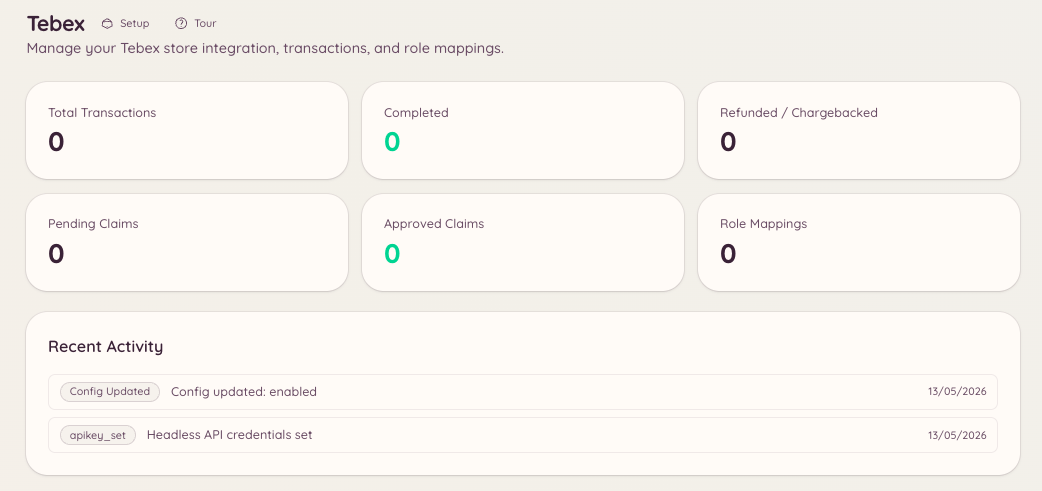
Setup
Navigate to in the dashboard and enter your Tebex API key. The key is found in your Tebex store’s Settings > API Keys section.Transactions
- The package purchased
- The buyer’s name and email
- Purchase date
- Payment amount and currency
- Current transaction status
Gift cards
Gift card codes are generated through the Tebex API and can be distributed to members directly.
Claims
Claims allow you to manually grant packages to members. Navigate to in the dashboard or use the Tebex slash command to manage pending claims.Role Mappings
Role mappings automatically assign Discord roles when a member purchases a specific Tebex package. Navigate to to configure them. Each mapping defines:
For subscription packages, Heimdall can optionally remove the role when the subscription expires or is cancelled. This requires your Tebex webhook to be configured to send subscription events.