
How it works for members
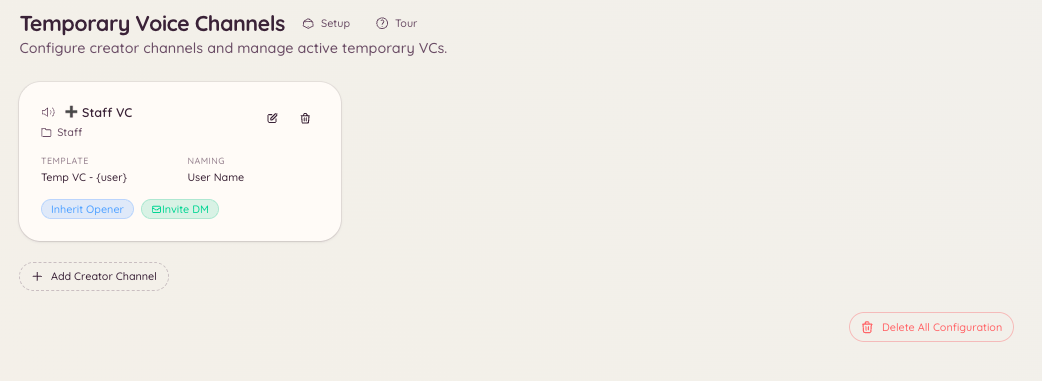
Join the creator voice channel (typically named something like “Create a channel” or “Join to create”). The bot creates a new channel named after you by default and moves you into it. You can then invite others to join. When everyone leaves, the bot deletes the channel. While in your temporary channel, you have control over it through the/tempvc command.
Setting up
Navigate to in the dashboard.
You can have multiple creator channels with different settings.
Member controls
Members can also rename, set a user limit, or lock their temporary channel using the Discord voice channel context menu, provided the bot has granted them the appropriate permissions.